 Atlas Compass
You host it
The server runs on your own computer — or on your phone. No cloud in between, no company holding your life.
✦ Your life, organized — on your own devices ✦
Finances, tasks, calendar, habits, notes, goals, study, training and more — in one app that runs on your own computer or phone. Your server, your data: encrypted, and nobody else's.
One payment, yours forever. Windows and Android included. No account, no subscription.
The demo is Atlas Compass in your browser, with sample data — no sign-up, reset every day.
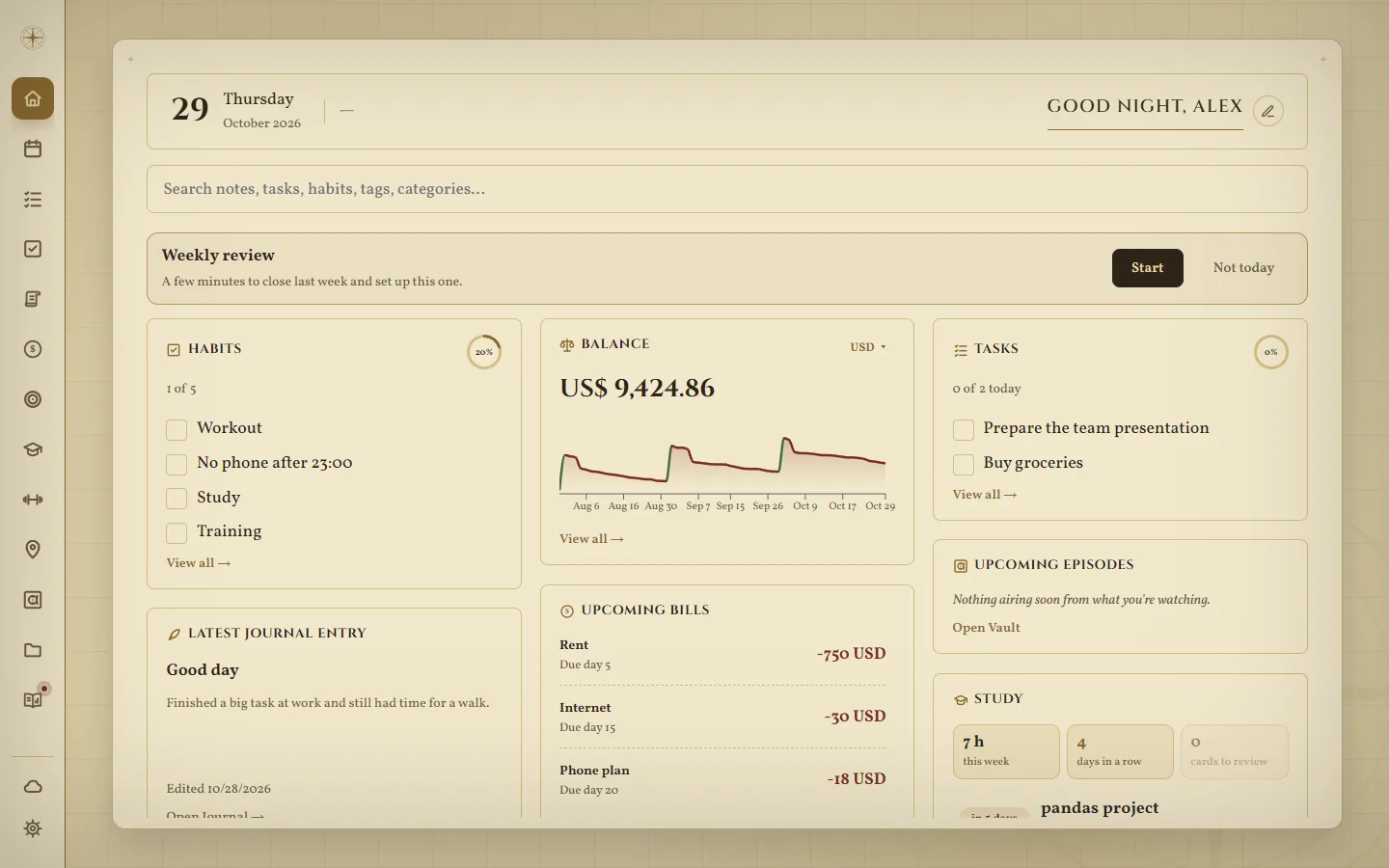
Atlas Compass isn't a website you log into. It's a program that runs on your machine — and your data never leaves it. Nobody else has access, not even us.
The server runs on your own computer — or on your phone. No cloud in between, no company holding your life.
Everything is stored encrypted on your device and opened only with your password. Without it, it's unreadable — even to us.
No sign-up with us, no analytics, no ads. Your license is checked on your device, without a connection.
It doesn't need the internet to work. Your phone keeps working away from home and catches up when it's back.
In a database on your own computer or phone, encrypted (SQLCipher, AES-256) and opened only with your password. Each account on the same install has its own, with its own password.
Only public things you ask for — exchange rates, map tiles, the weather, a film's poster — and, once a day, whether there's a new version (you can turn that off). Never your data.
Your phone talks to your computer directly — at home or, with Atlas Connect, from anywhere — encrypted end to end between your own devices.
Automatic backups on your device and, if you want, a second copy in a folder you choose. Moving to a new computer or phone takes your whole Atlas along.
You never sign up anywhere. The license is a key checked on your device; the only thing we know is the email you bought with.
Atlas Compass would keep working exactly the same. It doesn't depend on us being online — it's yours.
Each part knows about the others: a goal can follow a habit, a study session checks it off, a bill shows up on your calendar.
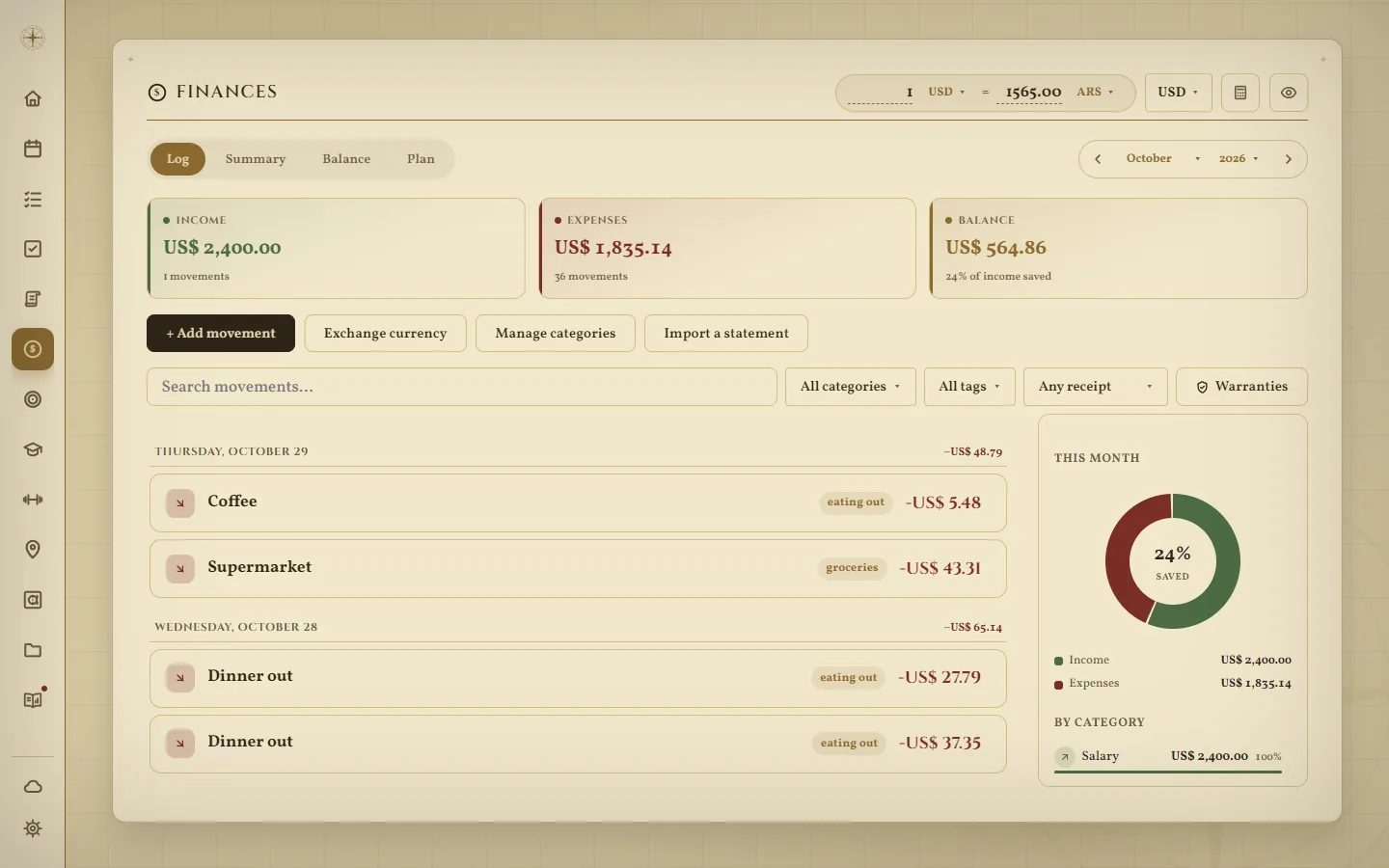
Try them all in the demo — in your browser, with sample data, nothing to install.
Also: a command palette, search across everything, a weekly review, backups you control, and Atlas Connect to reach your server from anywhere.
More than 200 color palettes and 90 font pairings, your own colors, and a Home you arrange yourself.
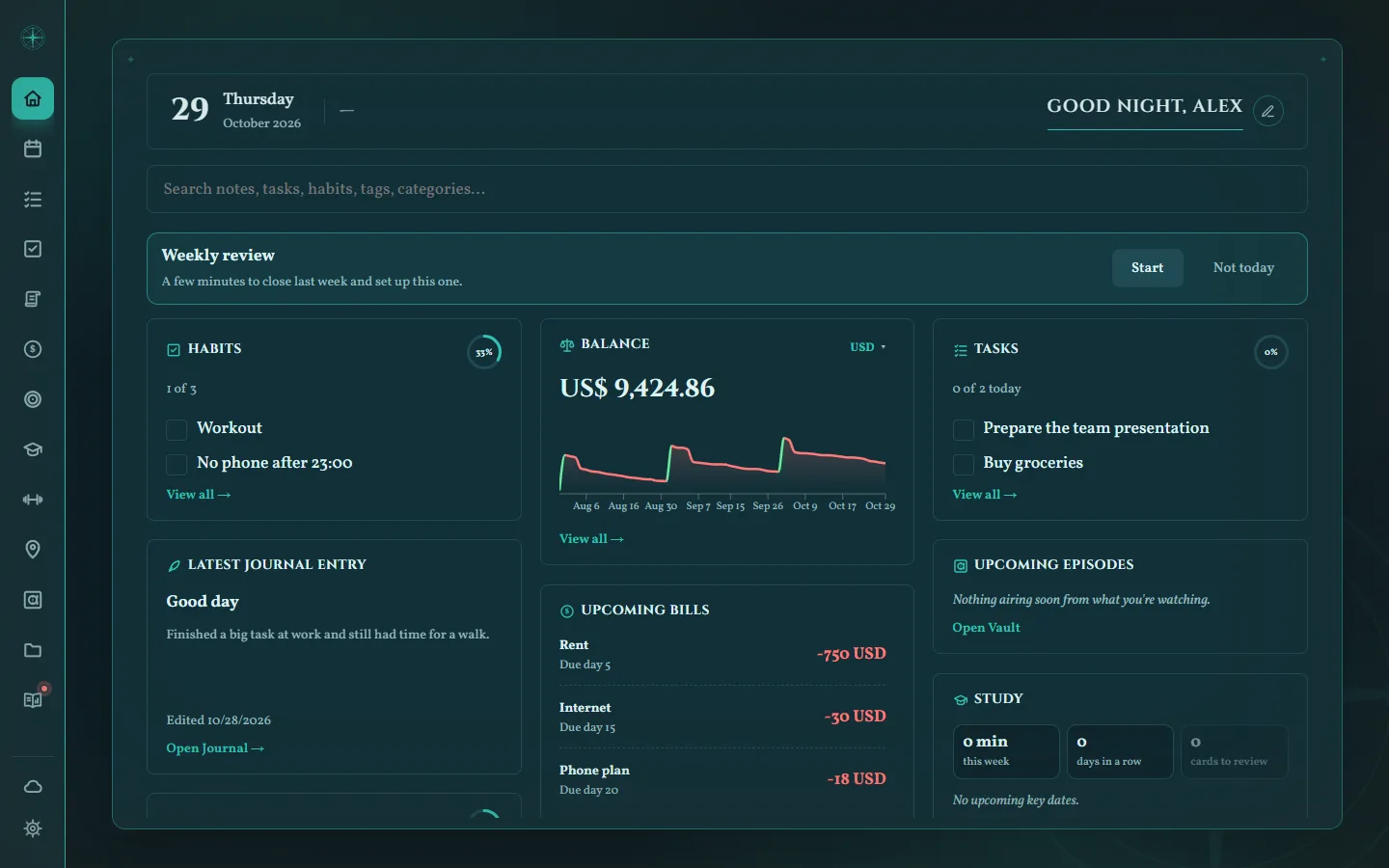
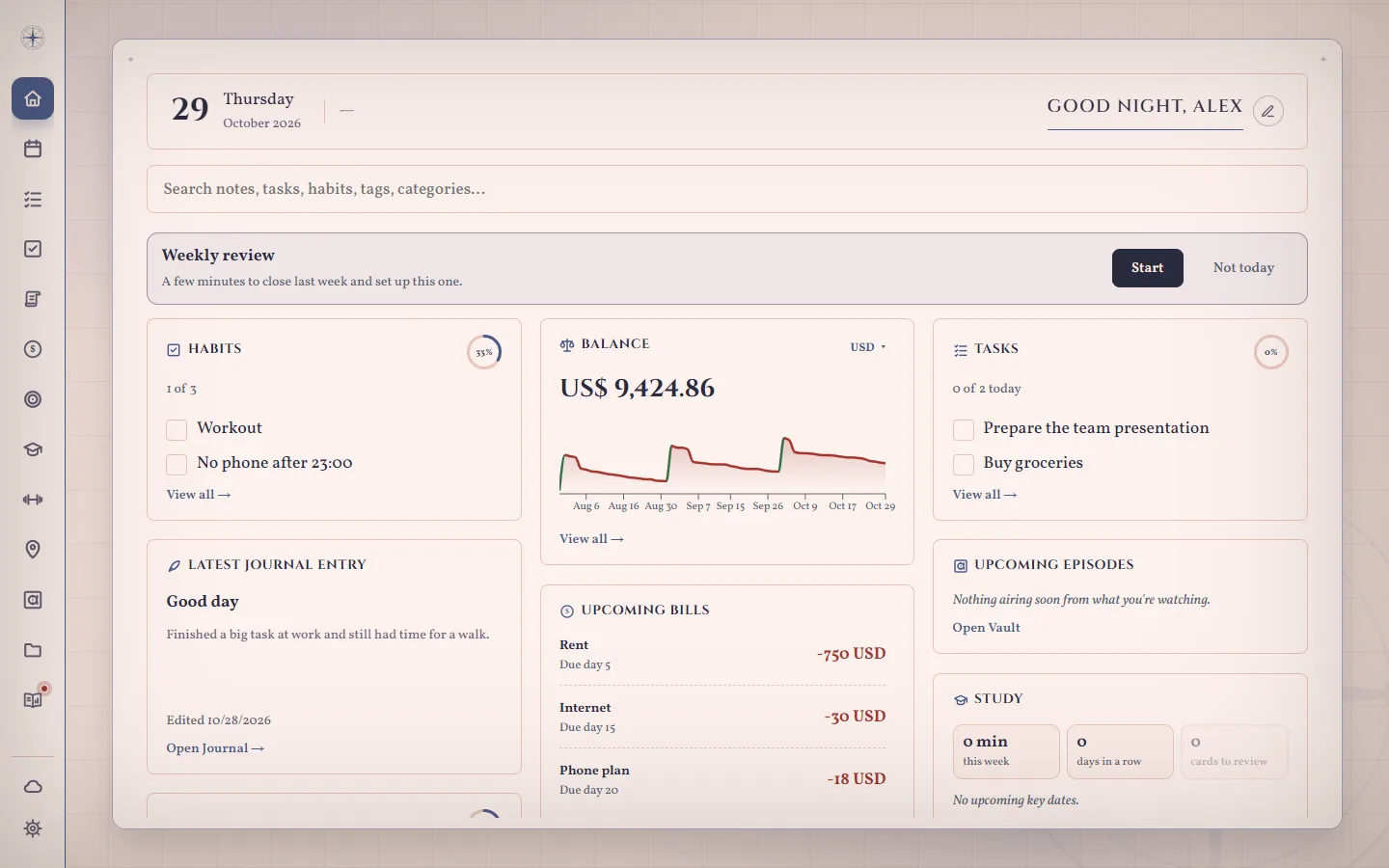
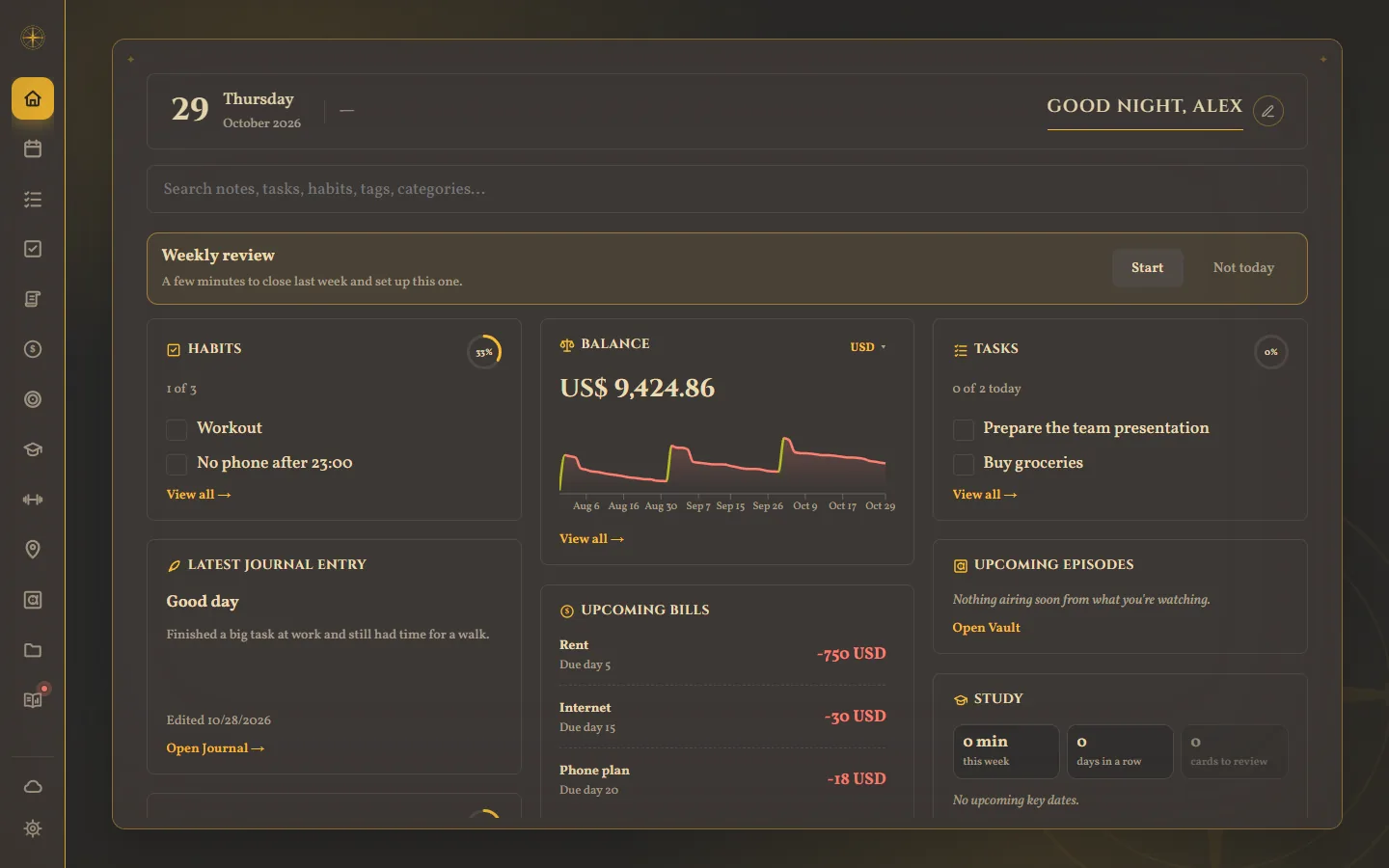
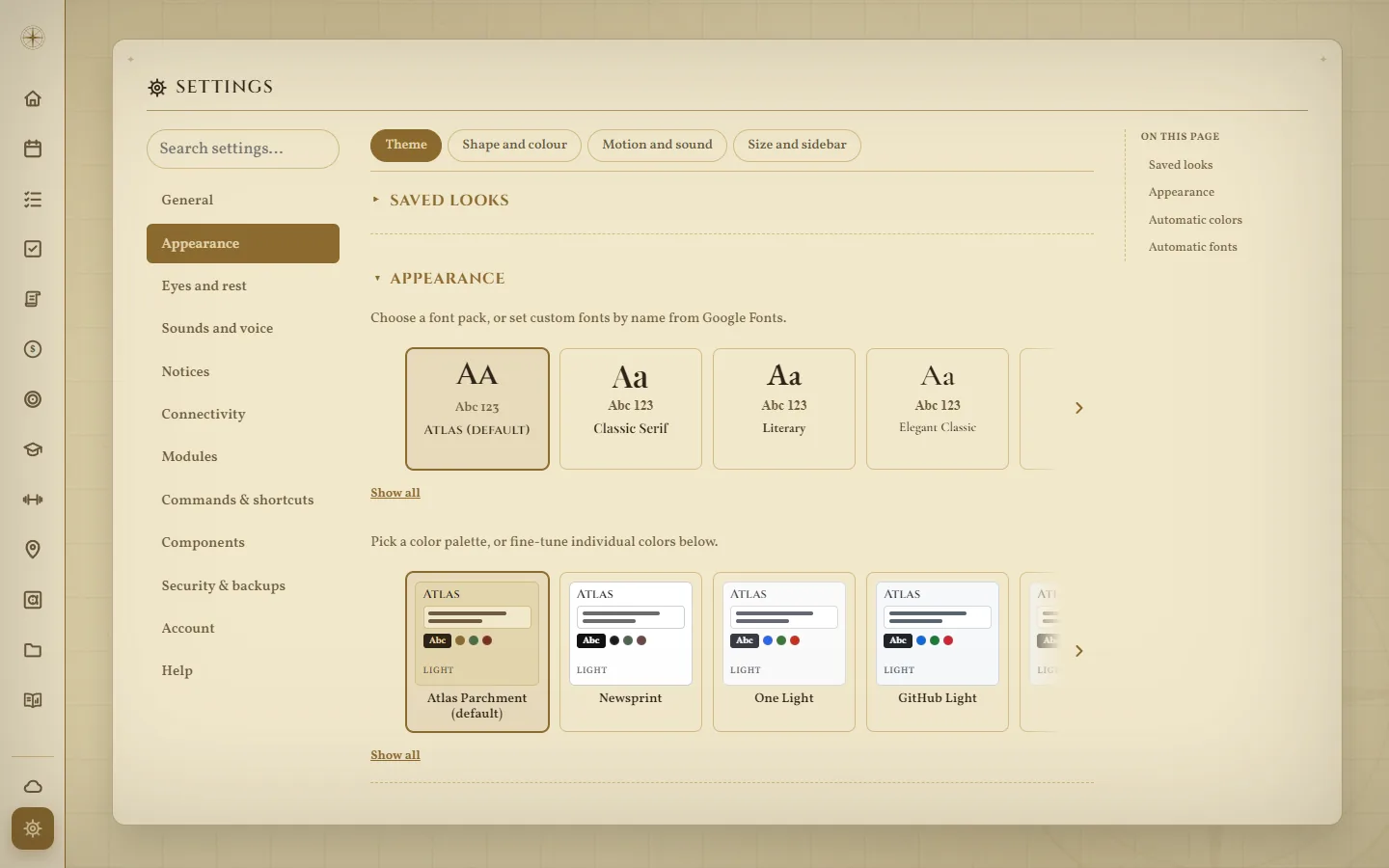
Pick a look in one click, tweak any single color, or bring any font from Google Fonts. Save your looks and switch between them.
Choose what your Home shows and in what order — balance, habits, tasks, charts, goals, a countdown…
Turn modules on and off, pick where the app opens, set your own shortcuts and commands, sounds and sizes.
Change the look by the time of day, a warm light at night and break reminders for your eyes.
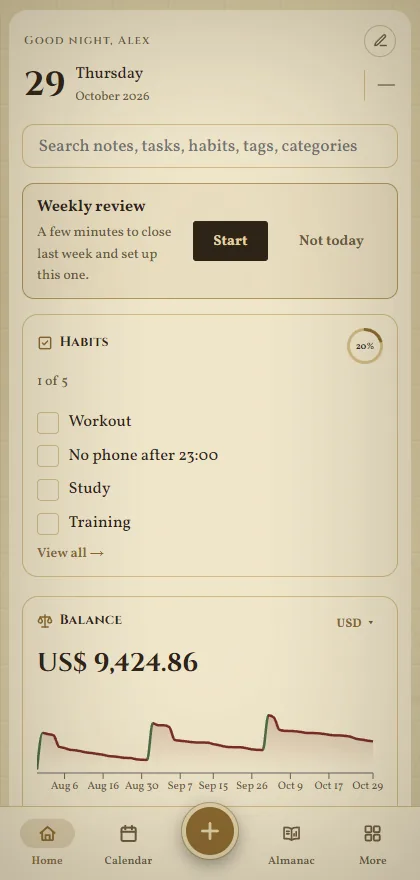
The same app on Android, with everything up to date. Your phone connects to your computer — or hosts the whole server itself, if you'd rather not keep a computer on.
✦ One payment, yours forever ✦
How would you like to pay?
Not for you? Full refund within 14 days.
Atlas Compass is sold directly, not through an app store, so your computer or phone asks once whether you trust it. Here's what you'll see.
That message shows for programs from small developers that aren't signed with a paid certificate yet. It's the same for every new independent app.
Android asks this for every app that doesn't come from the Play Store. You can turn the permission off again afterwards.
Yes: the demo is Atlas Compass itself in your browser, with sample data and nothing to install. It's a shared public server, so there it's not private — bought, it runs only on your devices.
Only if your phone uses the computer as its server. You can also let your phone host everything — then no computer is needed at all.
No. It works offline. The internet is only used for public things you ask for, like exchange rates or map tiles.
Atlas moves your whole install to the new device in a few steps, and you can always restore from one of your backups.
No. You pay once and it's yours. Fixes for version 1 are included.
Your own: your computer and your phones. Several people can have their own accounts on the same install, each with their own password.
Not yet: Windows and Android for now.
No problem: we'll send it again to the email you bought with.
Use Settings › Help › Report a problem inside the app, or write to atlascompass.support@gmail.com.